
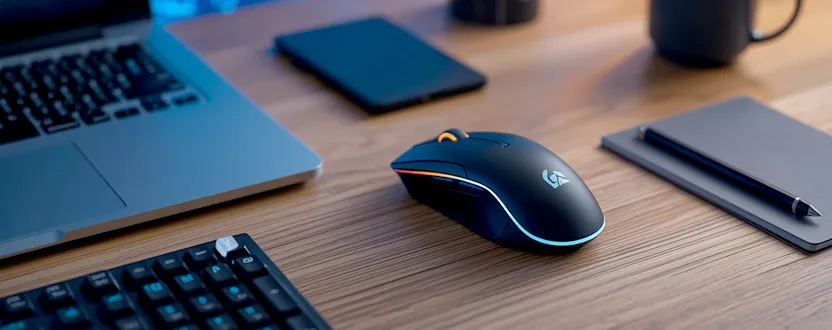
Choosing the right wireless mouse doesn’t have to be expensive. Today, many affordable wireless mice offer excellent performance, ergonomic designs, and long battery life, making them ideal for students, professionals, programmers, and everyday users. The key is understanding which features matter most before making a purchase.
Unlike traditional wired mice, wireless models provide greater flexibility and help keep your workspace clutter-free. They connect using either a USB receiver or Bluetooth, allowing you to work comfortably from almost anywhere. Whether you’re working from home, studying online, or browsing the web, a reliable wireless mouse can improve your overall productivity and comfort.
What to Look for in a Budget Wireless Mouse
When shopping for a budget wireless mouse, start by considering comfort. Since you’ll likely use it for several hours each day, choose a design that fits your hand naturally and provides a comfortable grip.
Battery life is another important factor. Many modern wireless mice can last for several months or even over a year on a single AA battery, reducing the need for frequent replacements.
Sensor quality also plays a role in performance. Higher DPI (dots per inch) settings provide smoother cursor movement and greater precision, which is useful for both office work and light graphic editing.
Connectivity options are worth checking as well. Some models support Bluetooth, while others use a compact 2.4 GHz USB receiver. Certain mice even offer dual connectivity, allowing you to switch between multiple devices with ease.
Finally, consider build quality, silent-click buttons, programmable side buttons, and portability if you frequently travel with your laptop.
Choosing the Right Mouse for Your Needs
Different users have different priorities. Students generally need an affordable and portable mouse for classes and assignments, while office professionals benefit from ergonomic designs that reduce wrist fatigue during long work sessions.
Developers and programmers often prefer mice with precise tracking, comfortable shapes, and responsive buttons for extended coding sessions. Remote workers may appreciate quiet-click models that create less noise during meetings and shared workspaces.
Before purchasing, compare customer reviews, warranty coverage, battery specifications, and compatibility with your operating system. Spending a little extra on a durable, well-reviewed mouse often provides better long-term value than choosing the cheapest option available.
A good wireless mouse doesn’t need to be expensive. By focusing on comfort, reliability, battery life, and everyday usability, you can find a budget-friendly model that improves your workflow without stretching your budget. Investing in quality computer accessories is a simple way to create a more productive and enjoyable workspace.
1. What is the best budget wireless mouse for everyday use?
Look for a wireless mouse that offers ergonomic comfort, reliable connectivity, long battery life, and positive customer reviews. Many affordable models provide excellent performance for daily tasks.
2. Is Bluetooth better than a USB wireless receiver?
Bluetooth eliminates the need for a USB dongle, while 2.4 GHz USB receivers often provide a faster and more stable connection. The best choice depends on your devices and personal preference.
3. How long do wireless mouse batteries typically last?
Battery life varies by model, but many budget wireless mice operate for 6 to 24 months on a single AA battery under normal usage.
4. Are budget wireless mice suitable for programming?
Yes. Many affordable wireless mice offer precise tracking, comfortable ergonomics, and responsive buttons, making them suitable for programming, office work, and general productivity.