
Common PDF Conversion Mistakes to Avoid
Converting PDF files is usually straightforward, but a few common mistakes can affect the final result. One of the biggest issues is uploading low-quality scanned documents, which often produce inaccurate text unless OCR (Optical Character Recognition) is available. Always review your source file before starting the conversion process.
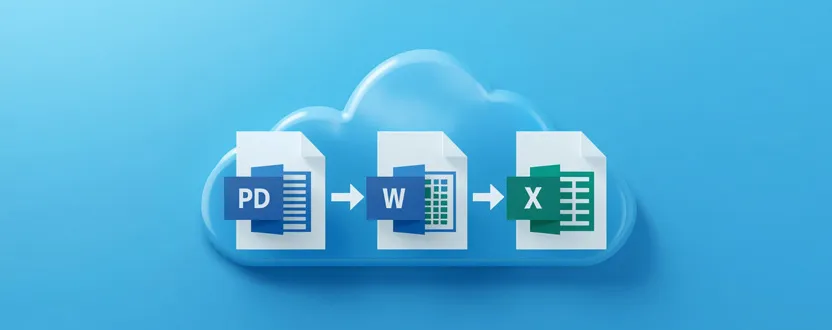
Another mistake is selecting the wrong output format. For example, choose Word (DOCX) when you need to edit text, Excel for tables and financial data, or JPG/PNG for extracting images. After conversion, verify that fonts, formatting, and embedded graphics appear correctly before sharing the file with others.
When Should You Use an Online PDF Converter?
Online PDF converters are ideal for occasional document conversion without installing additional software. Students can edit lecture notes, professionals can update reports, freelancers can modify client documents, and businesses can convert invoices or presentations into more usable formats.
They are especially useful when working on different devices, as browser-based tools are accessible from Windows, macOS, Linux, Android, and iOS. Whether you’re working from home, at the office, or while traveling, an online PDF converter provides a quick and convenient way to manage documents while maintaining productivity.
1. Is it safe to convert PDF files online?
Yes, if you use trusted websites that encrypt file transfers with HTTPS and automatically delete uploaded files after processing. Always avoid uploading highly sensitive documents to unknown services.
2. Can I convert a scanned PDF into an editable document?
Yes. Many online PDF converters include OCR (Optical Character Recognition), which recognizes text from scanned documents and converts it into editable Word or text files.
3. Which format should I choose when converting a PDF?
It depends on your needs. Choose Word for editing text, Excel for spreadsheets, PowerPoint for presentations, and JPG or PNG for extracting images from PDF files.
4. Do I need to install software to convert PDF files?
No. Most modern PDF conversion tools work directly in your web browser, allowing you to upload, convert, and download files without installing any additional software.